Traefik Helper
 DandrewsDev
I have a number of websites I run. Things like HomeAssistant, Vert, and Portainer just to name a few. In total I have over 50 of these services running between my own home lab and a VPS I rent offsite.
Running this many services on only a handful of machines and usually a singular IP address meant I needed a reverse proxy. While I've tried tools like caddy, and nginx for this my preferred tool has been Traefik for the past few years. It allows me to handle all my http routers, tcp routing for dbs and other services, has automatic ssl certificates issues via Lets Encrypt, and is incredibly versatile.
Traefik has a few ways to manage routing configuration, commonly people use docker labels. But this means each docker instance would need a traefik instance. And you'd only be able to route to other docker containers. So with my setup that clearly wasn't going to work. Similarly Kubernetes Gateway API wouldn't work as I did not have my entire setup on Kubernetes. So I was left with using a config file or a Key/Value store. Using the file config, would have been doable. But that file would also be thousands of lines long. And also requires a restart of the traefik instance to update the configuration.
So I decided to go with a KV store, specifically Redis. Its easy to use, well supported, and works really well with traefik. This however still left me with hundreds of key/value entries that needed to be manually entered, but at least would dynamically update without restarting traefik.
For a while I used a sloppily hacked together script that would add new router configs as needed. Still leaving me to manually update or delete them as needed. This worked well for a time, but as I added more and more items it became harder to maintain.
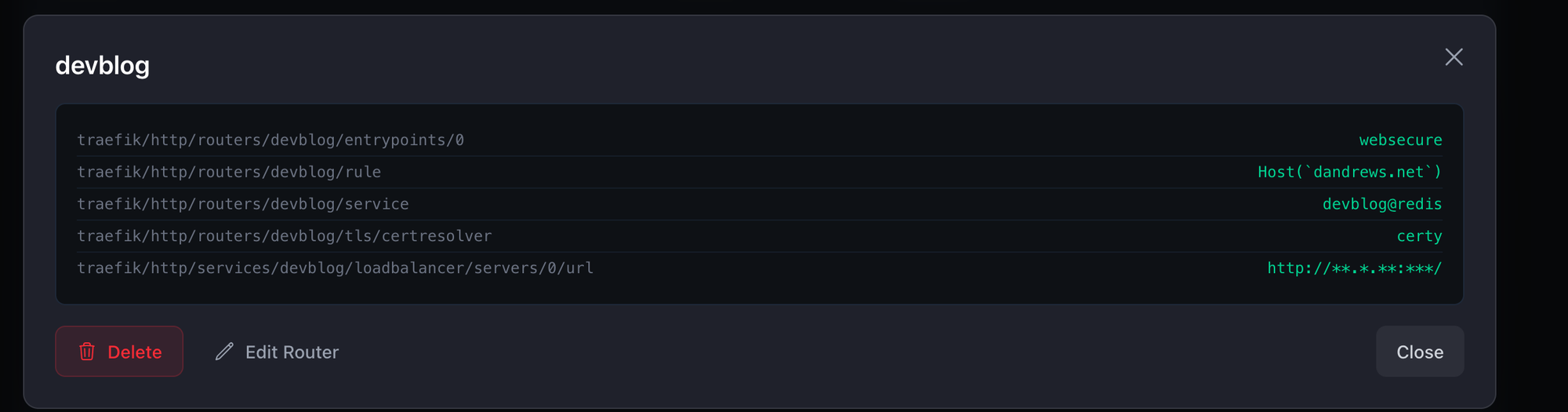
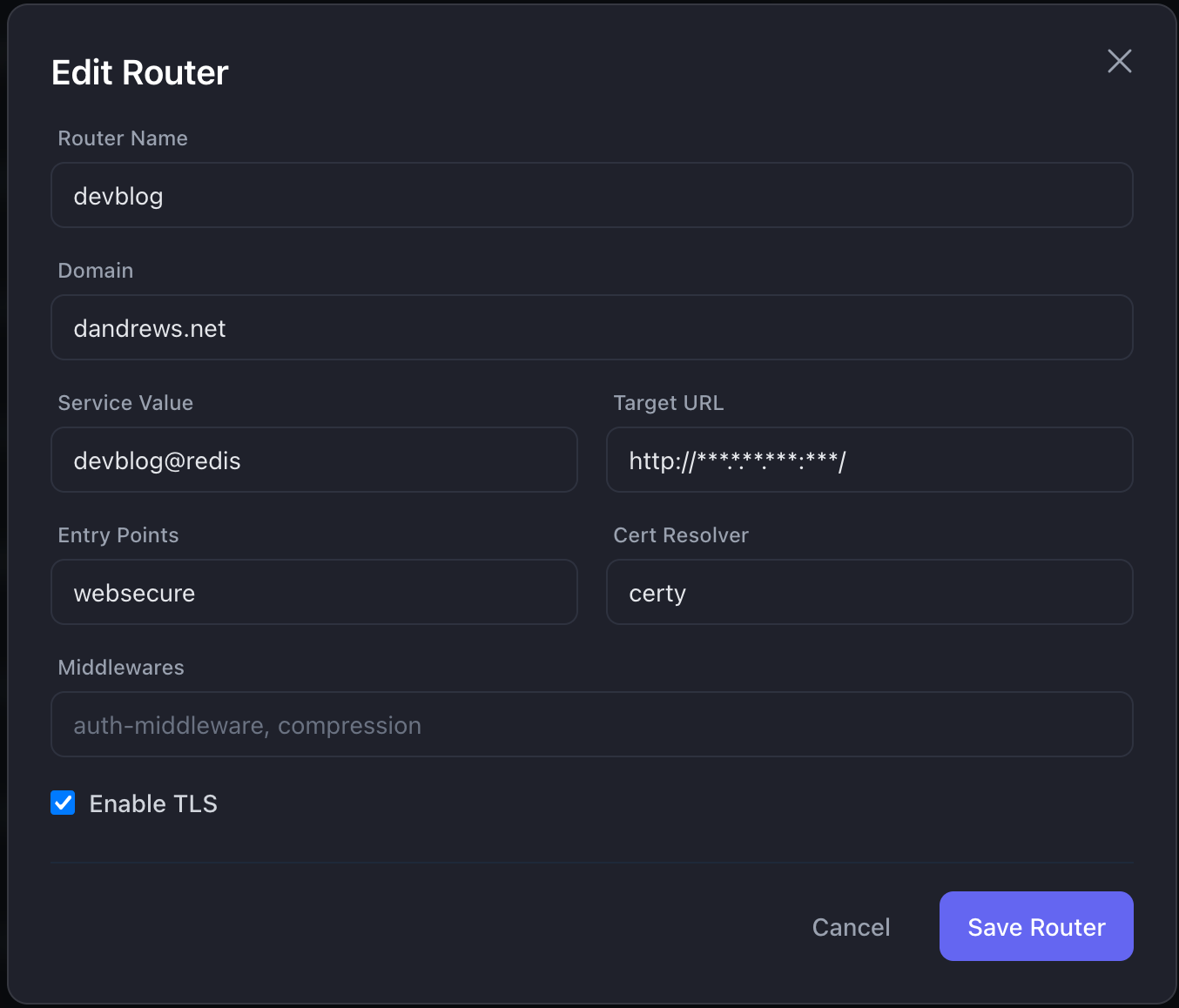
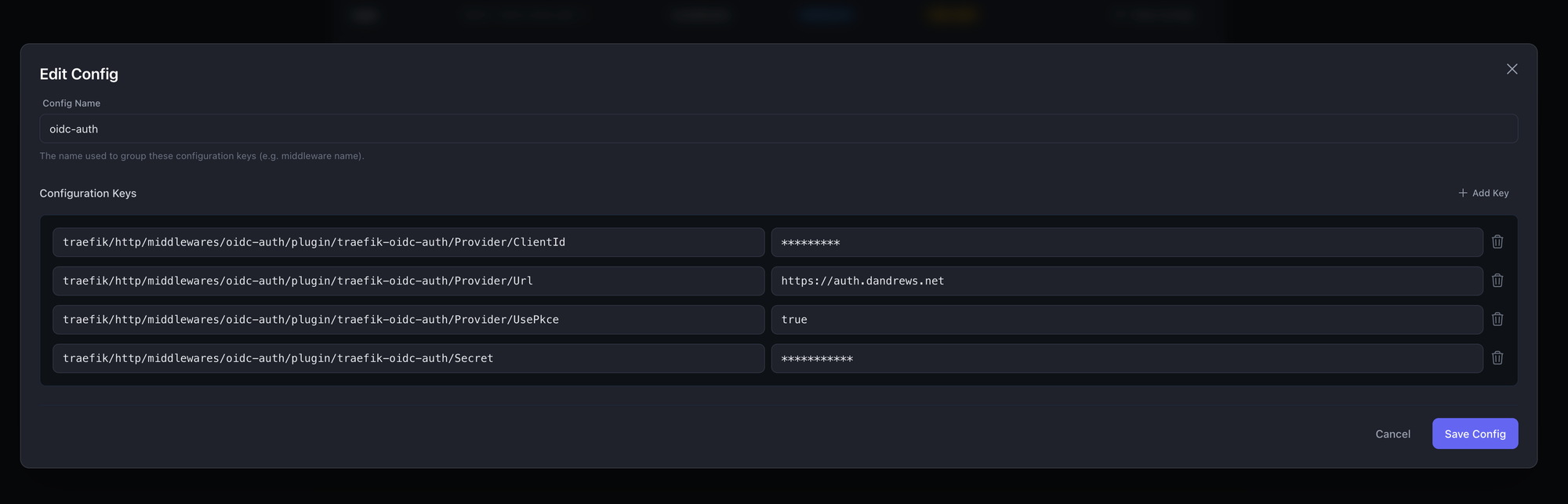
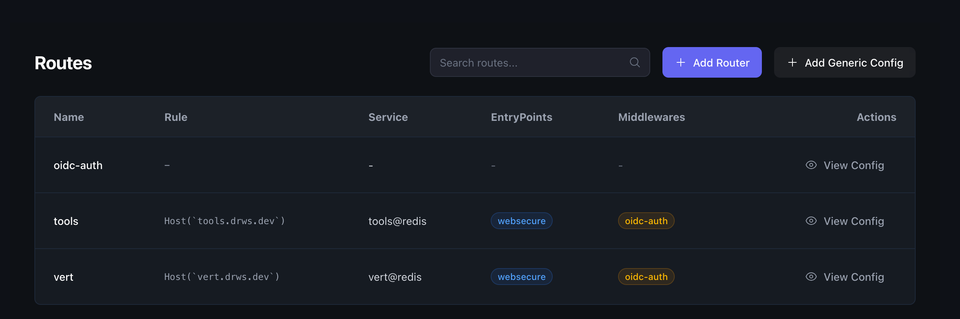
So I built TraefikHelper, a tool for managing this configuration in a single location with a nice UI. A place where I can add/edit/delete routes as needed. See a full list of the routes configured. And also add more generic config, like traefik middlewares.
The backend is written in Golang, the frontend in Vue JS. It includes a docker-compose file, and stands up a stack with Redis, Traefik, and TraefikHelper. It automatically registers the TraefikHelper service with Traefik to ensure it gets a domain and SSL Cert.
Now adding routes, and registered subdomains can certainly be sensitive. If you have a wildcard DNS entry, that means anyone with access to TraefikHelper could then create a route and subdomain that points to their own service. So in order to keep access limited TraefikHelper was designed to work with an OAuth service. I personally use Zitadel. So access to TraefikHelper first requires that user to proceed through zitadel or the OAuth tool of your choosing.